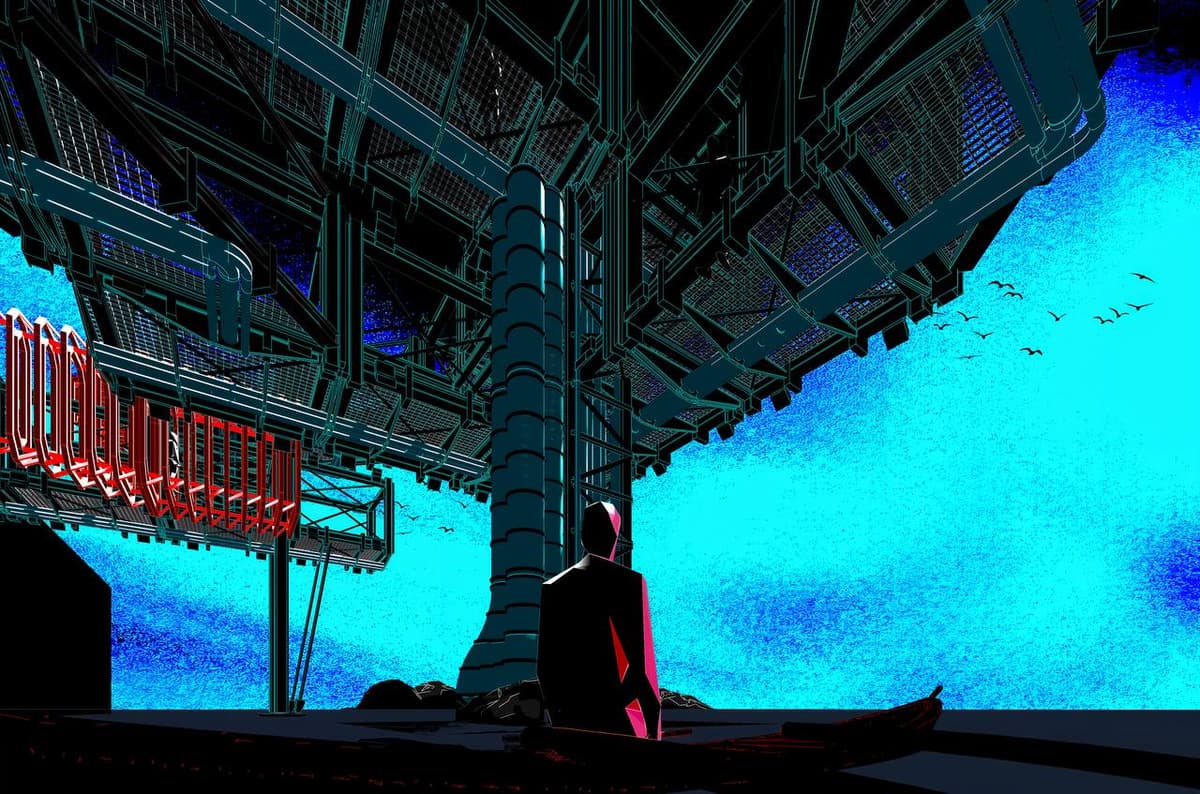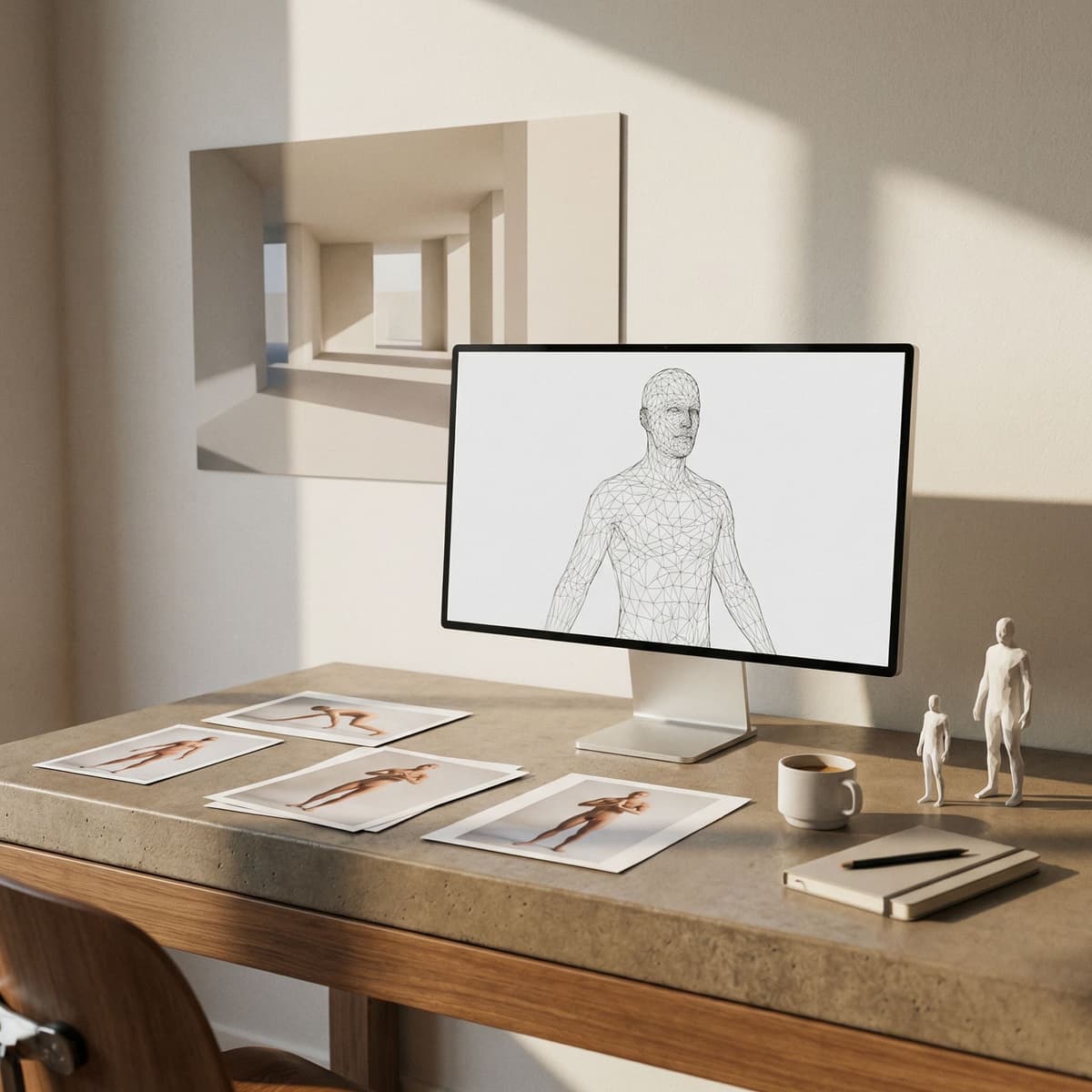
Entourage often makes or breaks architectural scenes, yet sourcing consistent people takes more time than the render itself. This workflow uses two images to lock a pose and a style, then produces a clean low poly figure that is easy to turn into a mesh. The goal is to keep a repeatable pipeline that works across different poses and clothing silhouettes.
Step 1. Pose image plus low poly reference
Start with a pose image, any real person reference, and a stored low poly reference image. The pose drives the silhouette, while the reference image drives the faceting, clothing style, and overall proportions. This keeps outputs visually consistent across a set.
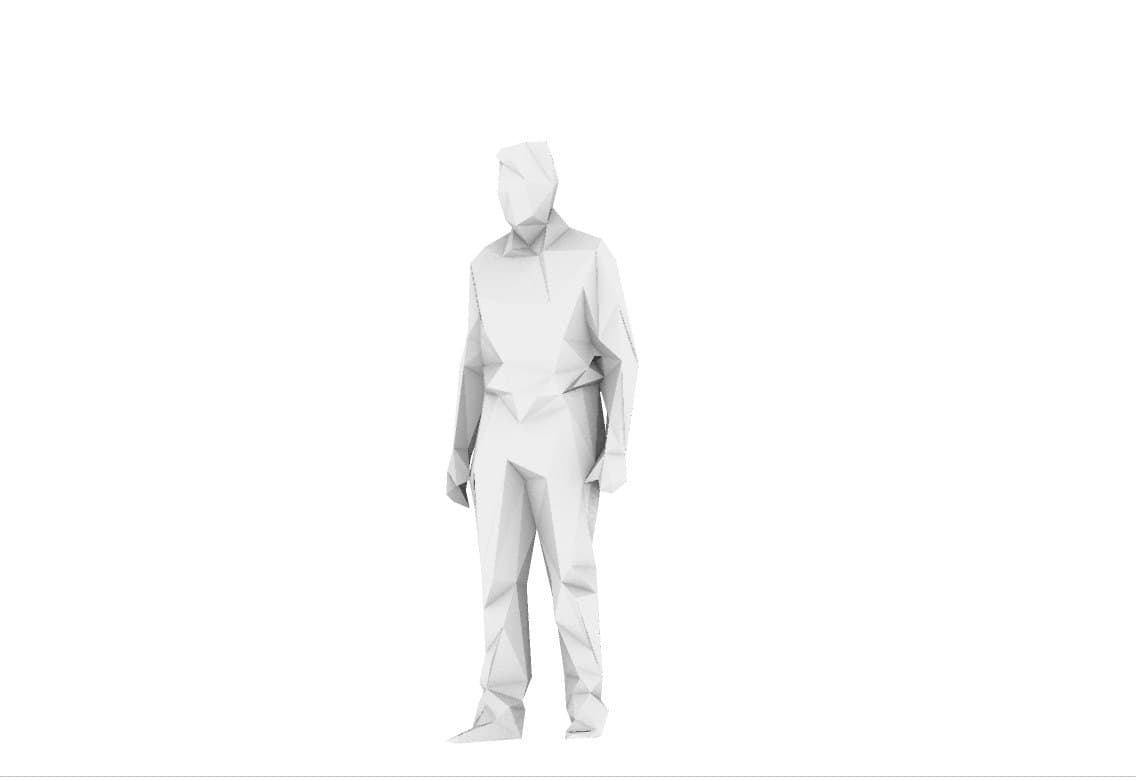
Step 2. Generate the low poly image
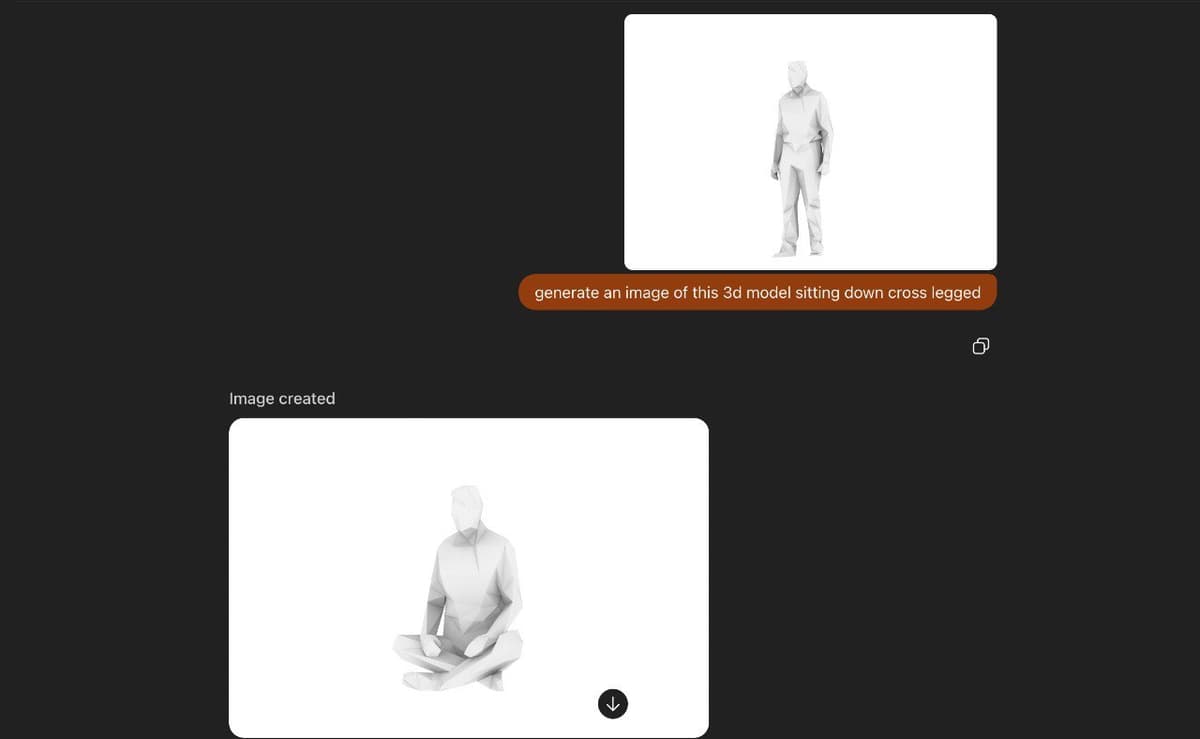
Use Nano Banana Pro or ChatGPT image generation to combine the pose image and the low poly reference. Prioritise pose fidelity and clean faceting, then lock the output to a neutral background. This produces a single centered full body that is ready for meshing.
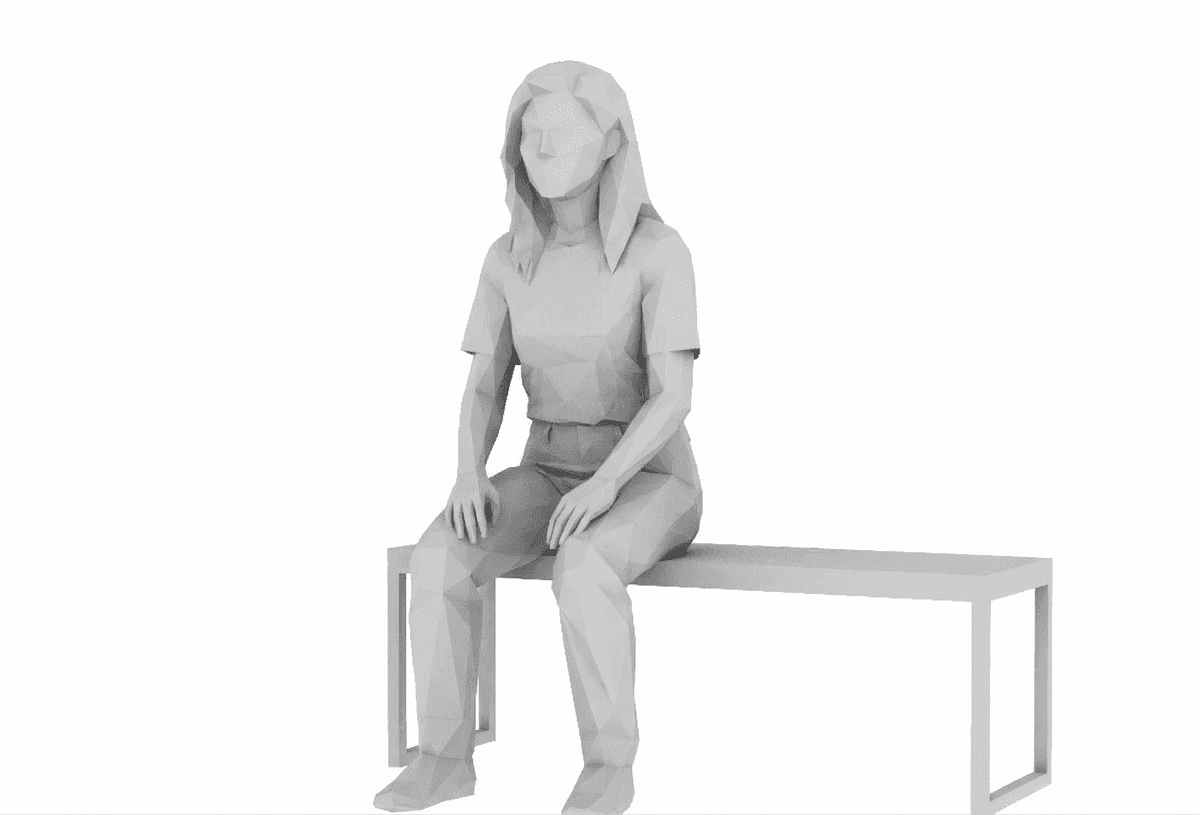
Step 3. Mesh the image in Meshy
Import the generated image into Meshy and use the remesh tool to control polycount. Lower counts are faster but can lose fidelity in hands and clothing. I target around 1,500 faces for entourage that will sit at mid distance in a scene.
Download the prompt JSON
I have included the prompt JSON so you can reproduce the exact settings. Use it as a starting point and adjust the pose fidelity or poly budget to fit your scene scale.
Download: lowpoly_person_from_images_v1.json
Why this works for scenes
The low poly aesthetic keeps silhouettes legible at small scale and avoids noisy textures. It also plays nicely with stylised renders, post processed boards, and diagrammatic scenes. The key is consistency, and this pipeline gives you a controlled way to generate a whole crowd quickly.