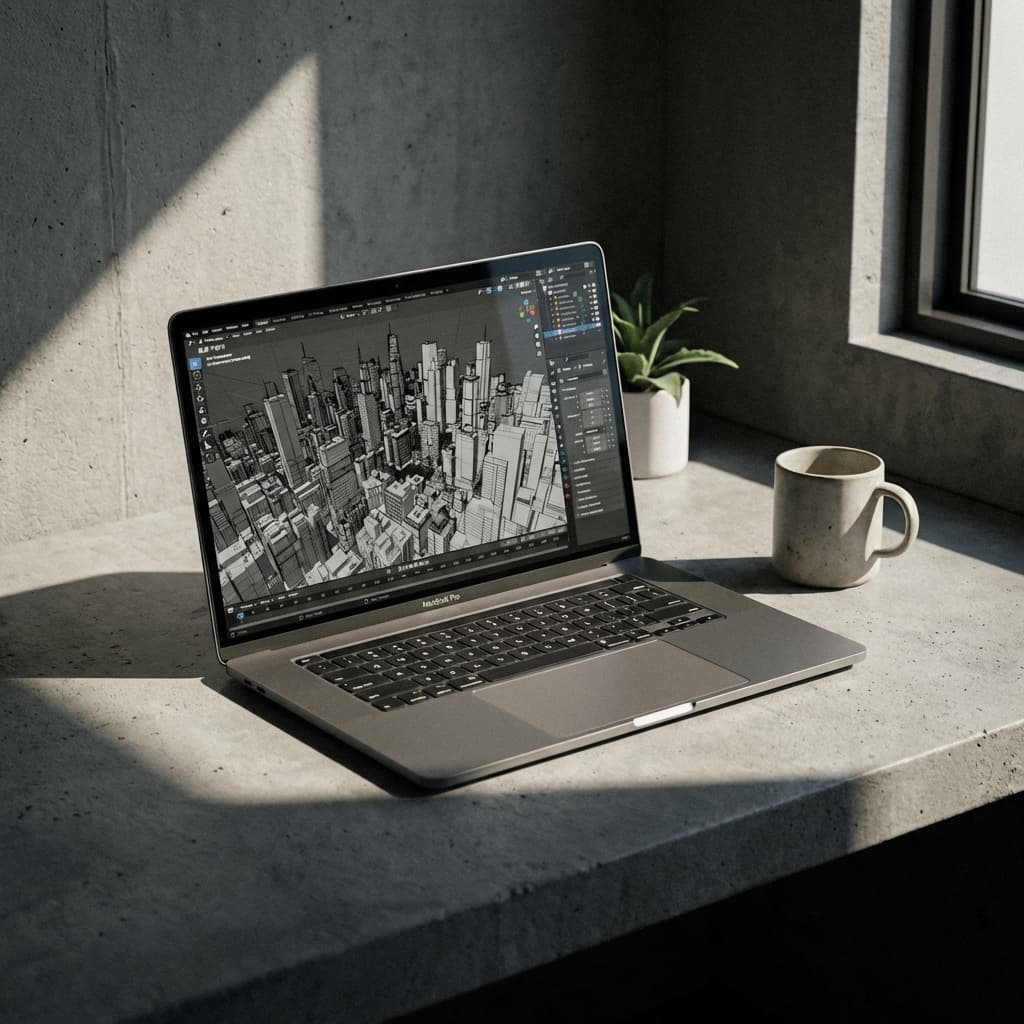
The initial wave of "AI Architecture" was defined by surreal, melting buildings generated by Midjourney v4. It was fascinating, but ultimately useless for actual construction. It lacked tectonic rigor.
Since ControlNet and vision LLMs landed, the workflow is finally stable enough for studio use. We have moved past simple "prompt engineering" and towards curatorial design. The AI is not the designer, and it is certainly not the architect. Think of it as a fast intern: endless options, no judgment.
The Three Modes of AI
In the studio environment, AI is best used in three specific phases:
1. The Dream Phase (Ideation)
Use Large Language Models (LLMs) like Claude or GPT-4o to brainstorm conceptual frameworks. Do not ask "Design me a library." Ask, "What are the phenomenological implications of a library that functions like a forest?"
This gives you a fast draft brief you can critique and rewrite.
2. The Control Phase (Visualisation)
This is the most critical technical workflow. Using ControlNet in Stable Diffusion allows you to take a basic Rhino white model (or even a hand sketch) and use it as a strict geometric constraint.
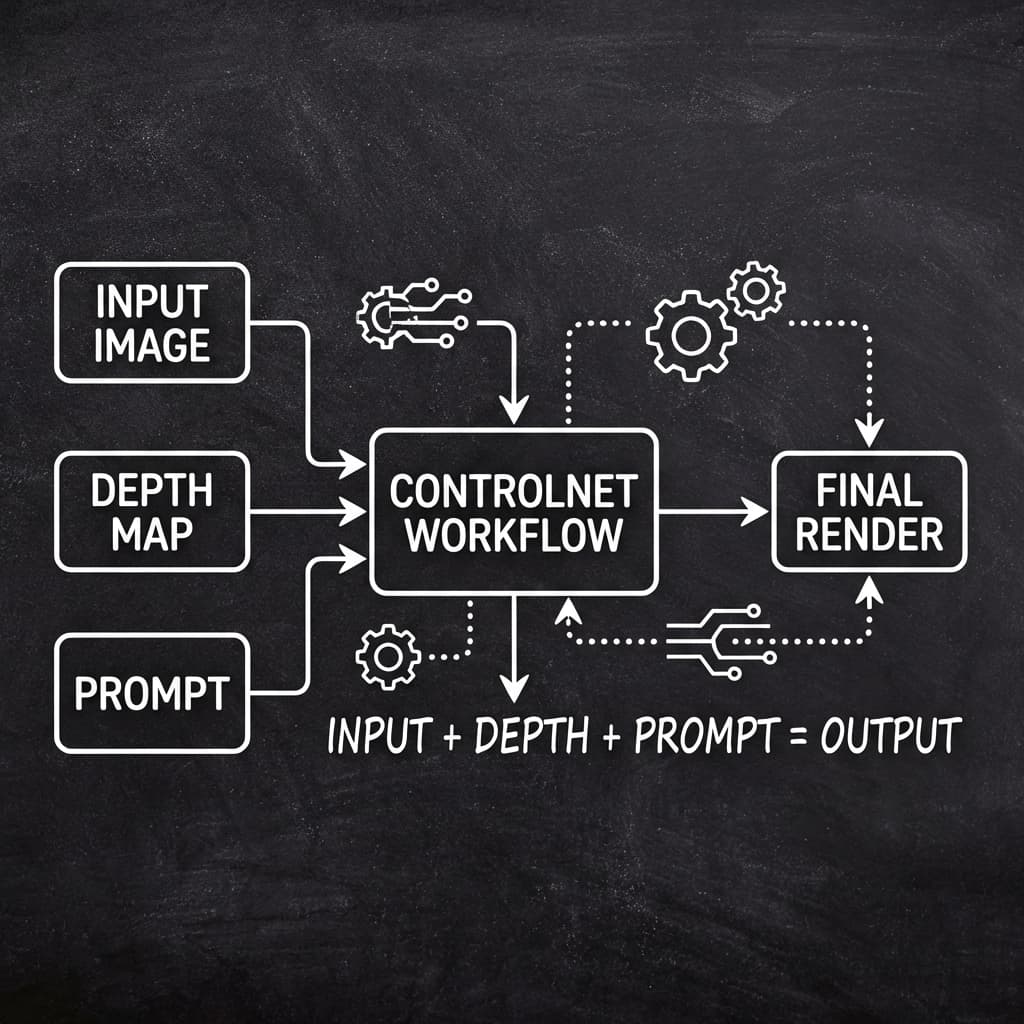
You prompt: "Concrete bunker, raining, cinematic lighting." The AI keeps your exact walls and windows but hallucinates the materiality, effectively rendering your project in seconds instead of hours.
3. The Critique Phase (Analysis)
Upload your own plans to an LLM with vision capabilities. Ask it to "roast this floor plan." It will point out circulation bottlenecks or egress issues you might have missed. It can be a blunt critic, which is useful.
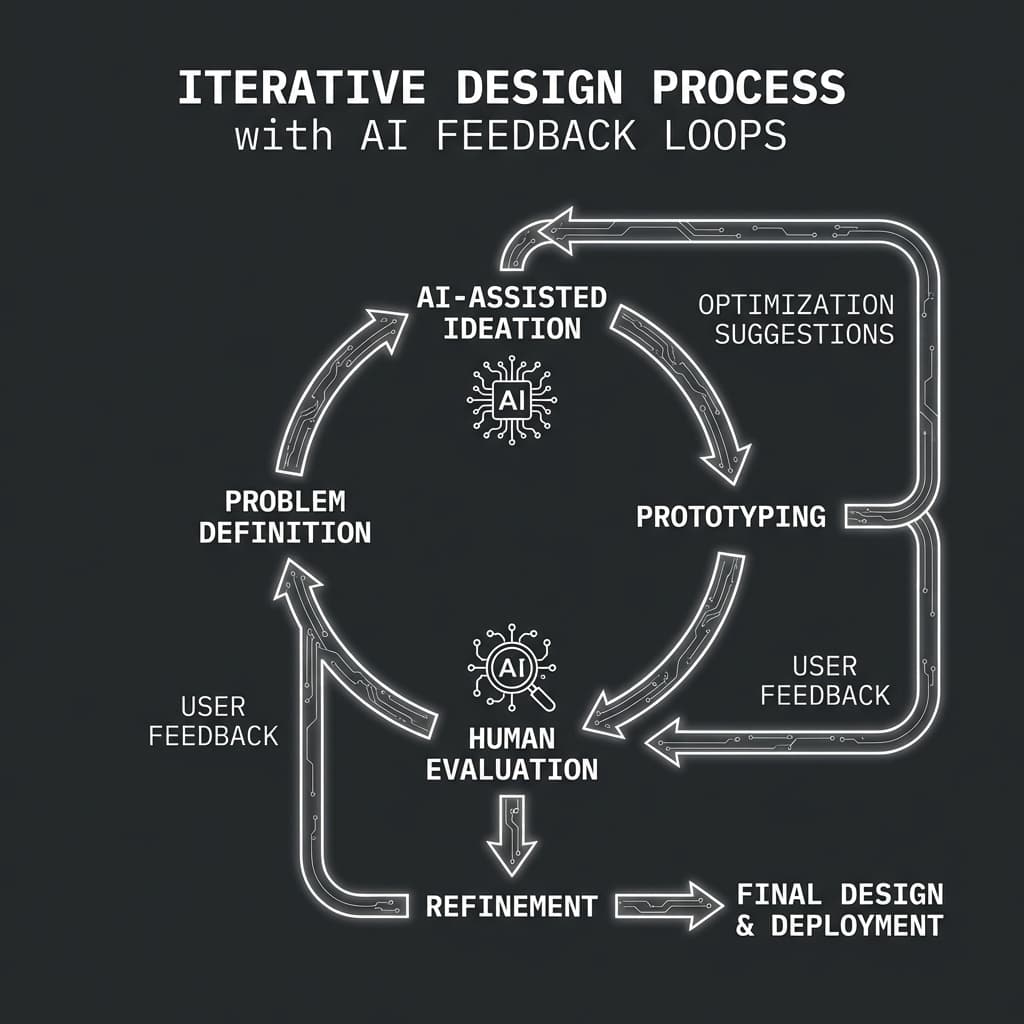
Owning the Output
The risk is settling too early. It is easy to accept the first good-looking result. But design requires friction.
You must force the AI to fight for its place in your project. Paint over its renders in Photoshop. Distort its generated texts. Use it as raw material, like clay, not the final sculpture.
In the end, the value of the architect remains in the selection. An AI can generate a thousand iterations, but it takes a human to know which one matters.