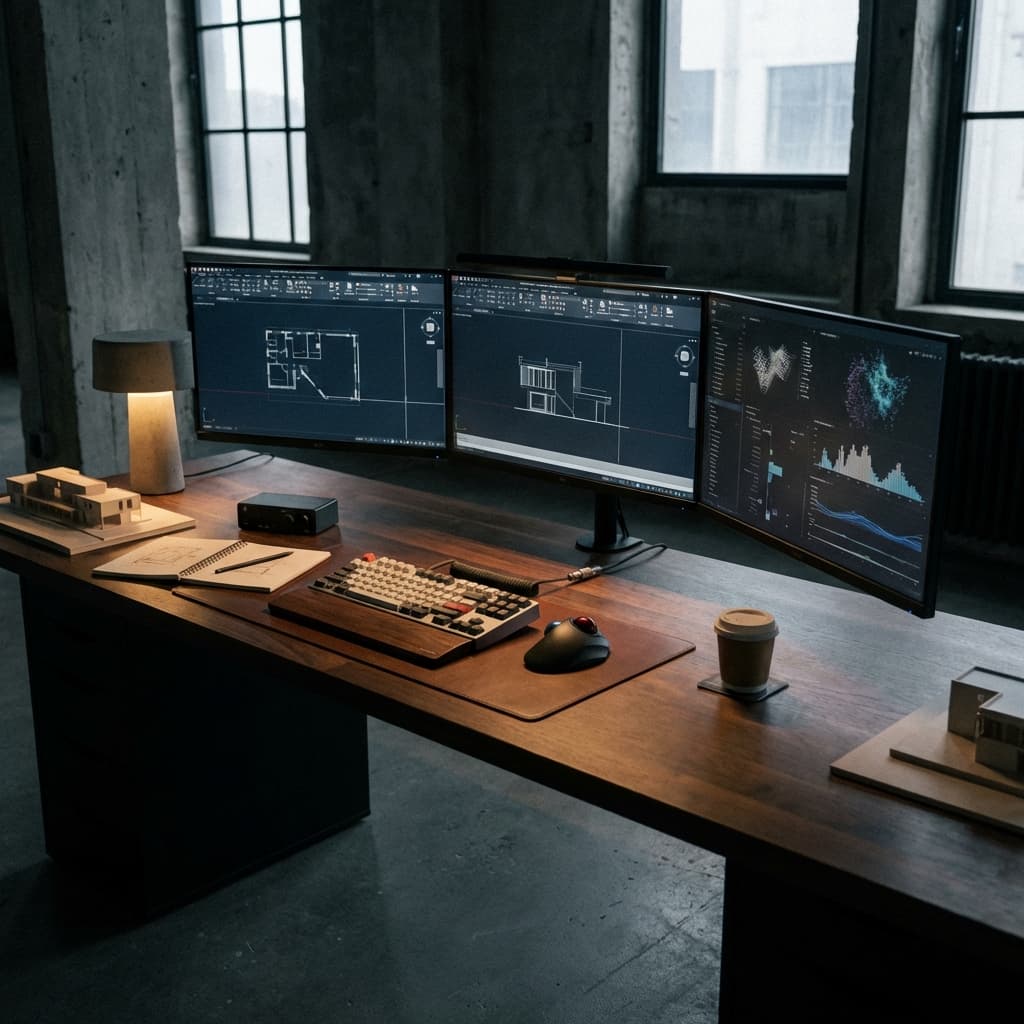
Architecture is now as much a digital workflow as a physical one. Your tools shape your process. A slow machine drags the whole workflow. If you’re juggling BIM, rendering, and computation, a solid setup saves hours.
It’s less about the priciest laptop and more about matching the right tools.
The basics: CPU, GPU, RAM
Understanding your hardware is the first step to mastering your workflow. Most students make the mistake of prioritizing one over the other without understanding the bottleneck of their specific software.
1. The CPU (The Brain)
For BIM software like Revit, Archicad, and Rhino, single-core performance is king. These programs calculate geometry in a serial sequence. Having 64 cores won't help you if each core is slow. Aim for high clock speeds (4.0GHz+) over core count.
2. The GPU (The Eyes)
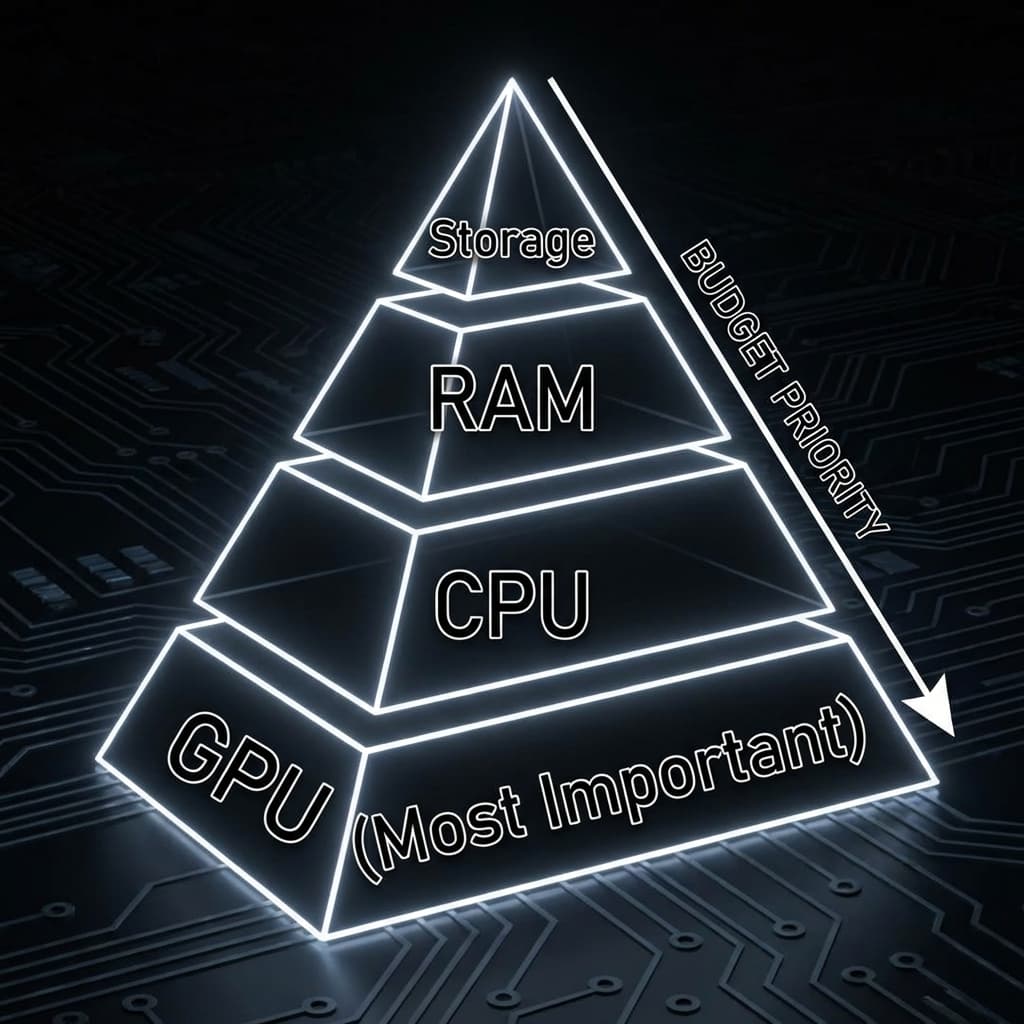
This is where the money goes. Real-time rendering engines (Enscape, Twinmotion, Lumion, Unreal Engine 5) are entirely dependent on your graphics card.
- Minimum: RTX 4060 (8GB VRAM). Good for basic Enscape.
- Recommended: RTX 4070 Ti (12GB+ VRAM). The sweet spot for students.
- Pro: RTX 4090 (24GB VRAM). Necessary for complex UE5 scenes and path tracing.
VRAM is critical. If your scene exceeds your VRAM, the viewport crashes. Do not compromise here.
3. RAM (The Workbench)
RAM is your multitasking workspace. When you have Photoshop, Rhino, Revit, three PDFs, and Chrome open, you are eating RAM.
16GB is the absolute floor, but honestly, it is insufficient for 2026 standards. 32GB is the new standard. If you do large urban simulations or heavy Photoshop post-processing, go for 64GB.
The Software Ecosystem
The workflow now is tool‑chaining: Rhino ↔ Revit ↔ Unreal, rather than one all‑in‑one app.
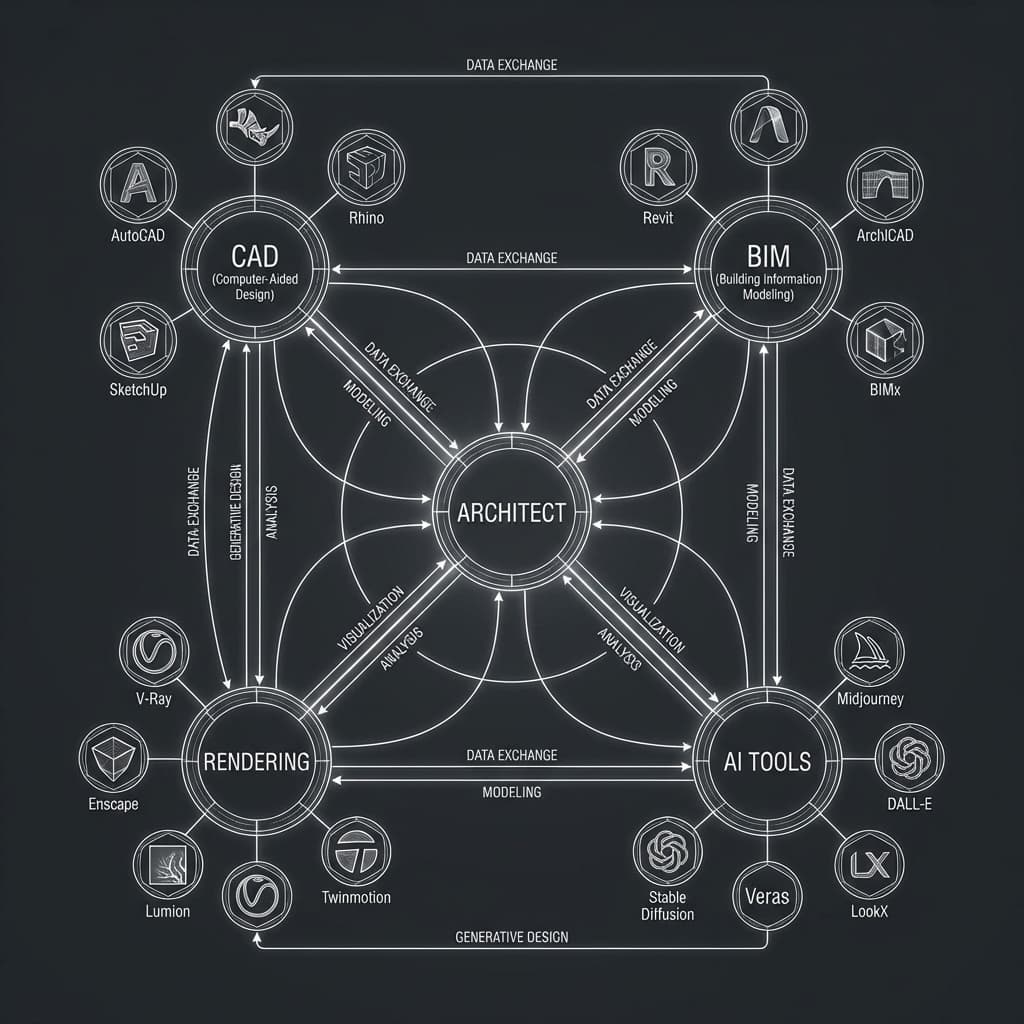
Interoperability is key. Tools like Rhino.Inside.Revit and Speckle allow for fluid data transfer, preventing the "remodelling" fatigue that plagued previous generations.
Laptop vs. Desktop
The eternal debate.
The Laptop Strategy: Buying a high-end gaming laptop (Razor Blade, Zephyrus G14) gives you portability but sacrifices battery life and runs hot. It is a valid choice for students who move between studio and home.
The Desktop Strategy: For the same price, a desktop will always outperform a laptop by 30-40% due to better cooling and power delivery. The smartest setup? A powerful desktop at home/dorm for rendering, and a lightweight MacBook Air or iPad Pro for presenting and sketching in the studio. Use Parsec or Remote Desktop to tap into your beast machine from your thin client.
Future-Proofing
Technology moves fast. The RTX 50-series is around the corner. AI accelerators (NPUs) are becoming standard.
Rule of thumb: Buy the best GPU you can afford today. It is the component that ages the fastest and delivers the most tangible value to your daily workflow.